
Can my new tab page change on a schedule, one for work and one for evenings?
By Mutables, who make Hallway. Updated
Short answer
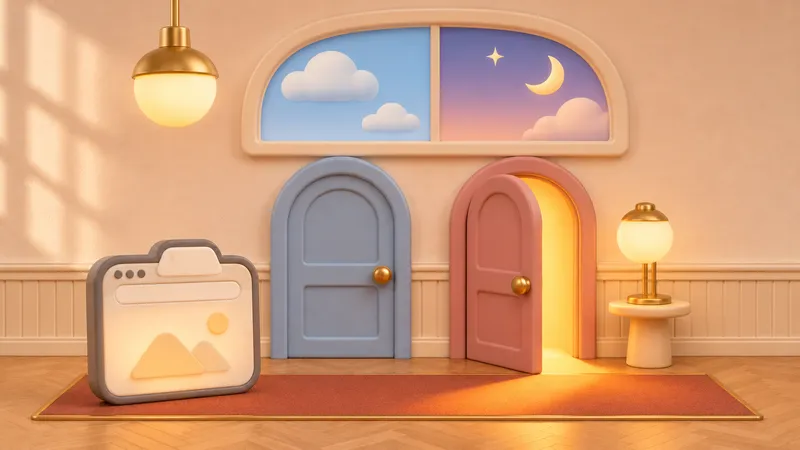
Not with Chrome or Edge alone, but Hallway can do it. In its settings, choose Set hours to show one new tab extension during the hours and days you pick and another the rest of the time, or choose A new one each day to go through your list. It switches at those times, and a pick of your own holds until the next change.
Why a schedule
Different parts of the week suit different new tabs: a dashboard or a to-do list during work hours, something calmer in the evening and at weekends. Switching by hand twice a day is a chore that’s easy to forget.
Hallway switches only when the schedule changes, not each time you open a tab. If you pick one yourself, the schedule leaves it alone until its next change, so it never fights you.
What the browser can do on its own
Neither Chrome nor Edge can change the new tab on a schedule.
- Chrome
There’s no schedule for the new tab page. Changing the new tab extension means turning extensions on and off at chrome://extensions, by hand, each time.
- Edge
The same, at edge://extensions.
- Profiles
A separate work profile with its own new tab extension comes closest, but you have to switch profiles yourself.
With Hallway
How to set a schedule in Hallway
- Click the Hallway button, then Settings at the top of the popup.
- Under Schedule, choose Set hours.
- Next to Show, pick the new tab for work. Hours and Days start at 9 to 6, Monday to Friday; change them to suit you.
- Next to Otherwise, pick the one for evenings and weekends. Either one can be Chrome default, Chrome’s own page.
- For variety instead, choose A new one each day. Hallway goes through your list in order, with a new one each day at midnight.
Worth knowing
- Set hours has one set of hours and one Otherwise, so it covers two new tabs, not three.
- Hours can run past midnight. They belong to the day they start, so Friday 10 PM to 2 AM runs into Saturday morning.
- A pick of your own, from the popup, the shortcut or the right-click menu, holds until the schedule’s next change. The status line at the foot of the popup says what comes next and when.
- If the browser was closed when a change was due, Hallway catches up when it starts. A new one each day goes through your new tab extensions only, not Chrome’s own page.
Questions
Can Chrome change the new tab page at certain times?
Not on its own. Hallway can show one new tab extension during the hours and days you choose and another the rest of the time.
What happens if I switch by hand while a schedule is on?
Your pick stays until the schedule’s next change. Then the schedule takes over again.
Can I rotate between new tab extensions every day?
Yes. Choose A new one each day in Hallway’s settings. It goes through your list in order and changes at midnight.
What if my browser was closed when the schedule was due to switch?
Hallway checks when the browser starts and switches to the one the schedule wants.
Related guides
-
 How do I switch between new tab extensions without turning them on and off? Switch which new tab extension opens without a trip to chrome://extensions: one click in the toolbar, a keyboard shortcut or a right-click menu.
-
 Can I use Momentum and another new tab extension together? Momentum and another new tab extension can’t share the new tab. Keep both installed and take turns in one click, with their settings kept.
-
 Why did my new tab page change by itself? A new extension, one turned off, or an update waiting for your OK can change your new tab. How to find the cause at chrome://extensions and set it back.
Step into your Hallway.
Keep every new tab you love, and open the one you want.