
How do I switch between new tab page extensions in Microsoft Edge?
By Mutables, who make Hallway. Updated
Short answer
Edge, like Chrome, shows one new tab extension at a time and gives the new tab to the one installed last. To switch by hand, turn the others off at edge://extensions. Hallway, on Edge Add-ons, does it in one click, and keeps Edge’s own new tab page in its list as Edge default.
Why Edge needs a switch too
Edge treats new tab extensions the way Chrome does: one of them owns the new tab, and the others wait, installed but unused. There is no setting to choose among them.
Edge adds a wrinkle of its own. It can turn new tab extensions off without you doing anything, and then a different page opens on your new tabs until you turn yours back on.
What Edge can do on its own
Edge has the same toggles as Chrome, at its own address.
- Edge
Open edge://extensions and turn off every new tab extension except the one you want.
- Edge
If yours was turned off without you, turn it back on on the same page. One that was updated and wants new permissions stays off until you approve them there.
- Edge
With every new tab extension off, Edge’s own new tab page comes back.
With Hallway
How to switch in Edge with Hallway
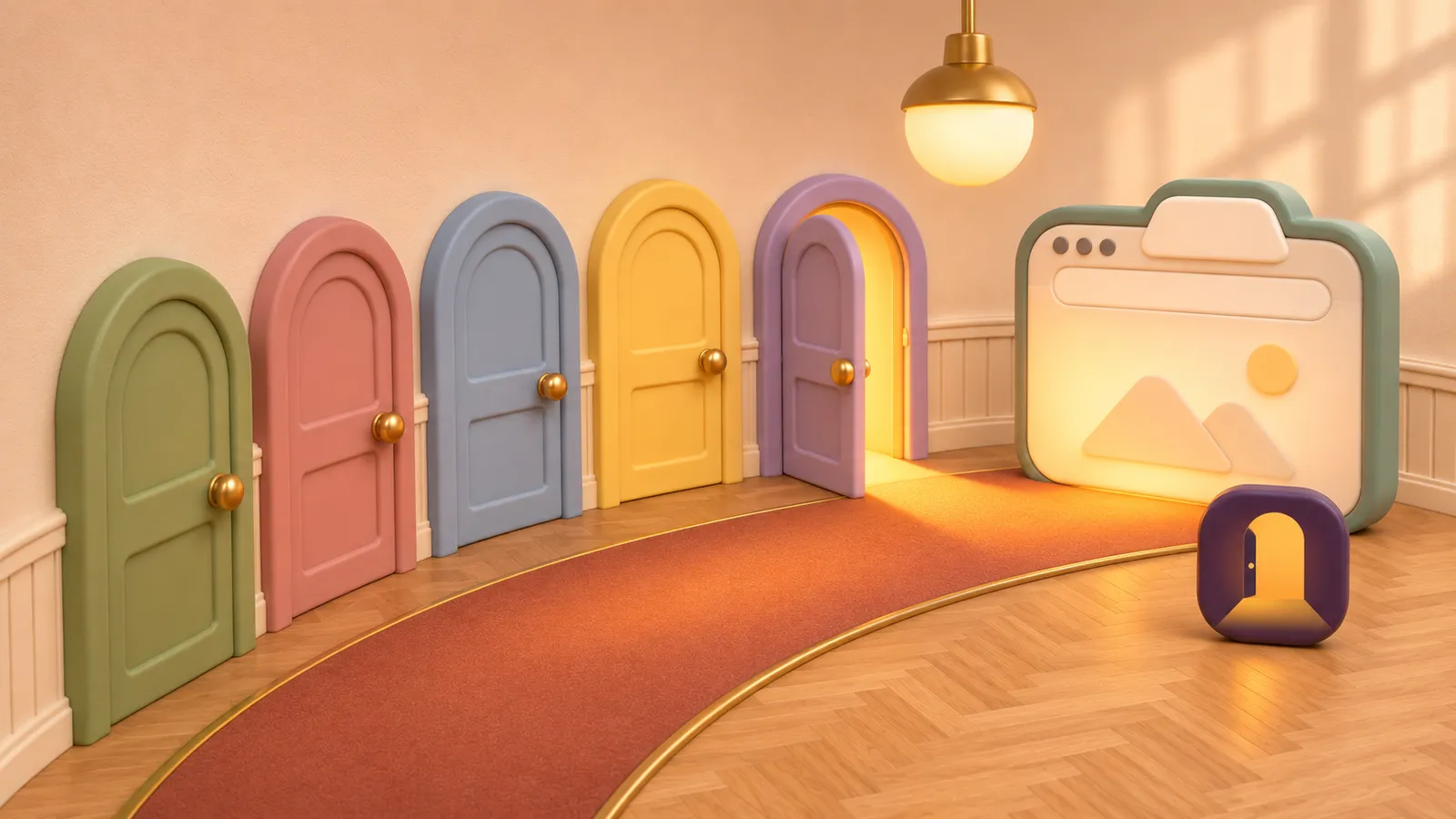
- Get Hallway from Edge Add-ons. Its welcome page shows a door for each new tab extension you have: open one and press CtrlT to see it.
- Pin Hallway to the toolbar, then click it and pick a new tab extension, or Edge default for Edge’s own page.
- Press AltShiftN to switch to the next one and open it. To change the shortcut, go to edge://extensions/shortcuts.
- If Edge turns your pick off, the Hallway popup says so and offers Turn it back on.
Worth knowing
- Unless your schedule switches to it, Hallway never turns your pick back on by itself, since you may have turned it off on purpose. It also checks when Edge starts, because Edge can turn new tab extensions off before Hallway is running.
- Hallway uses Edge’s own names and addresses when it runs in Edge, such as Edge default and edge://extensions.
- Your list and its order sync through Edge, so they follow you to your other computers.
- Firefox isn’t supported: it only lets extensions turn themes on and off, not other extensions.
Questions
Why does Edge keep turning off my new tab extension?
Edge can turn new tab extensions off, and one that was updated and asks for new permissions stays off until you approve it. Turn it back on at edge://extensions. Hallway tells you when it happens and offers to turn it back on.
Can I avoid Edge’s news feed on new tabs?
A new tab extension replaces Edge’s own page, news feed included. With Hallway you can pick one of yours and keep Edge default one click away.
Is Hallway available for Edge?
Yes. Hallway is on Edge Add-ons as well as the Chrome Web Store, and it works the same in both browsers.
Related guides
-
 Why does Chrome only let one new tab extension work at a time? Chrome gives the new tab to one extension, the one installed last. Why the others do nothing, what Chrome lets you do, and how to pick which one opens.
-
 How do I switch between new tab extensions without turning them on and off? Switch which new tab extension opens without a trip to chrome://extensions: one click in the toolbar, a keyboard shortcut or a right-click menu.
-
 Why did my new tab page change by itself? A new extension, one turned off, or an update waiting for your OK can change your new tab. How to find the cause at chrome://extensions and set it back.
Step into your Hallway.
Keep every new tab you love, and open the one you want.